About Bash Bunny Controller
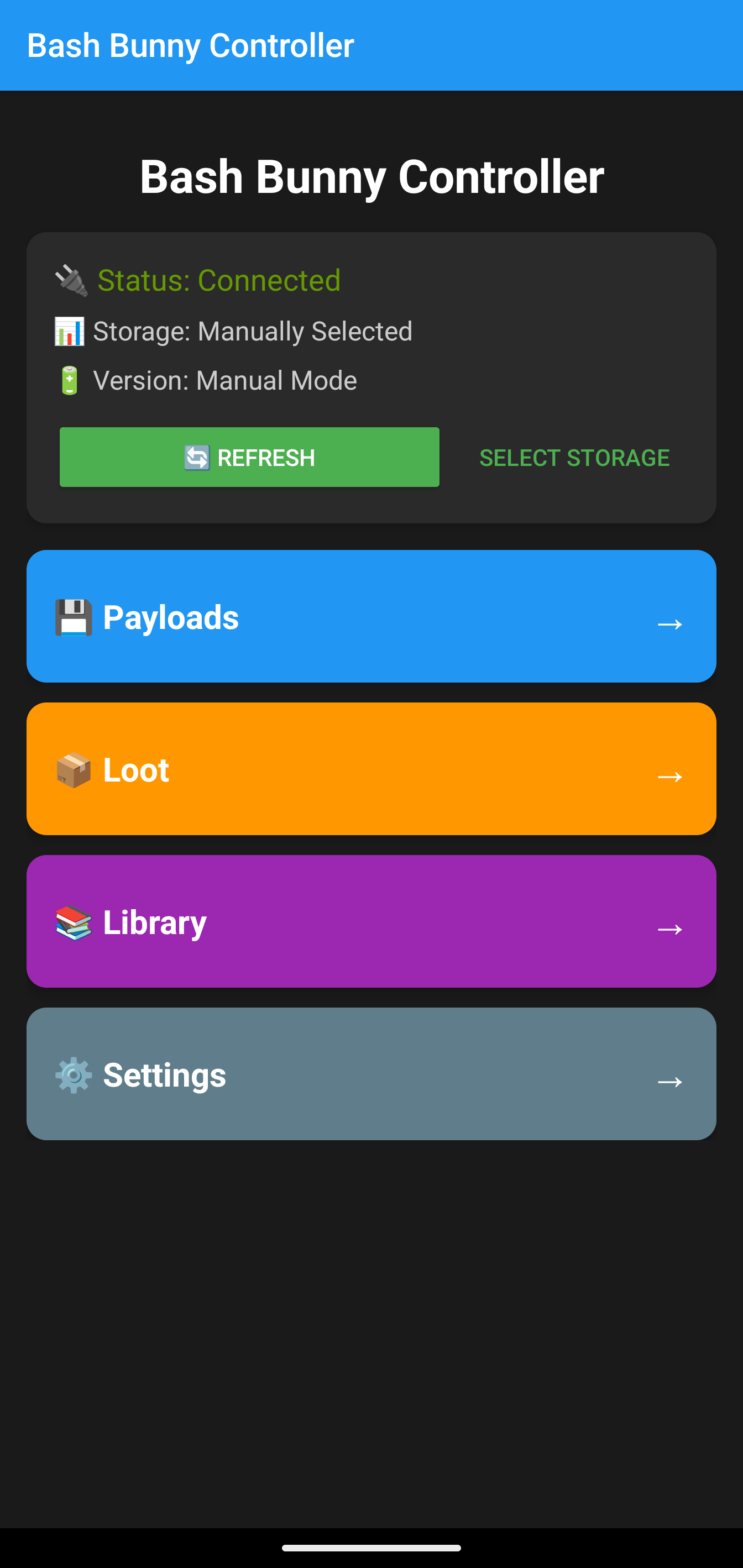
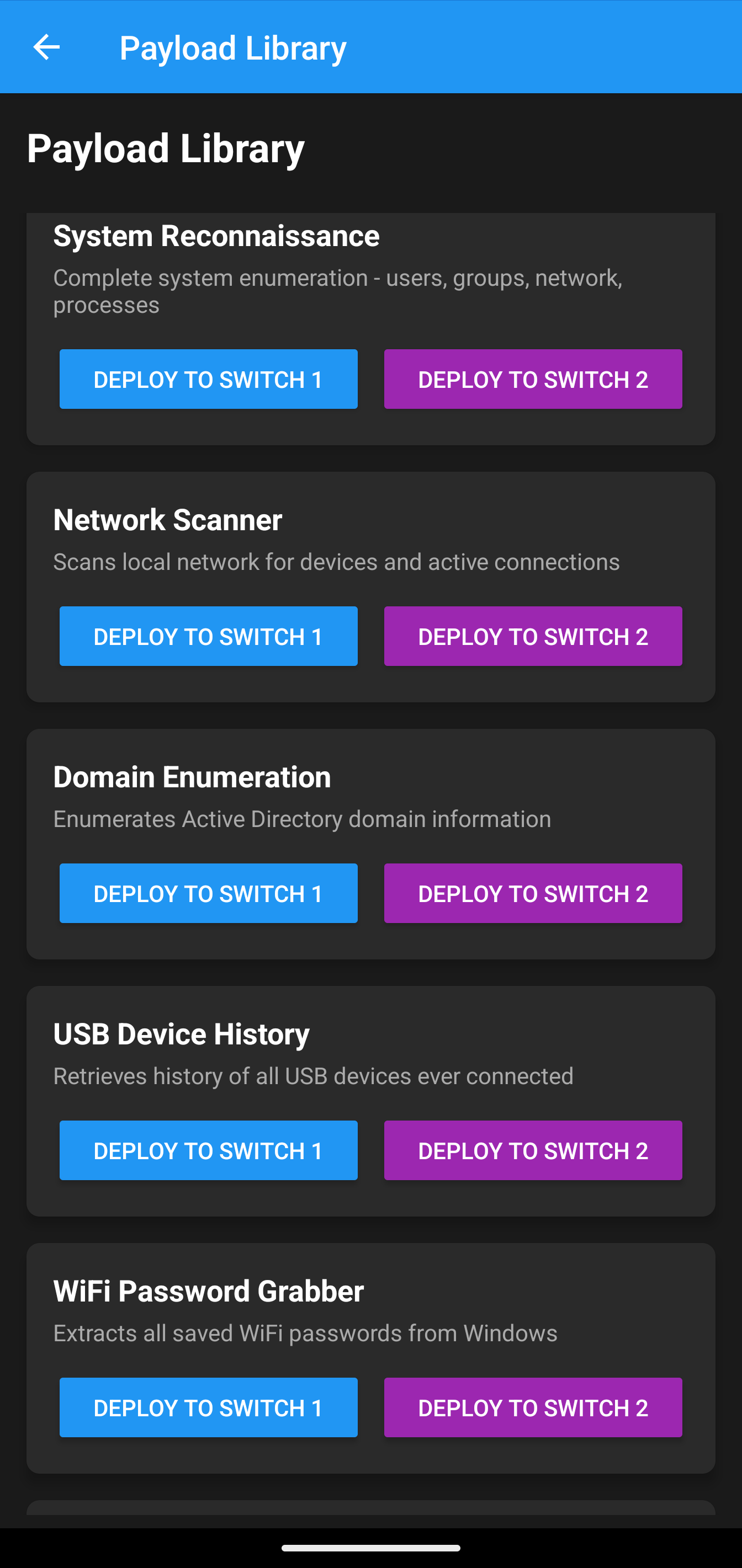
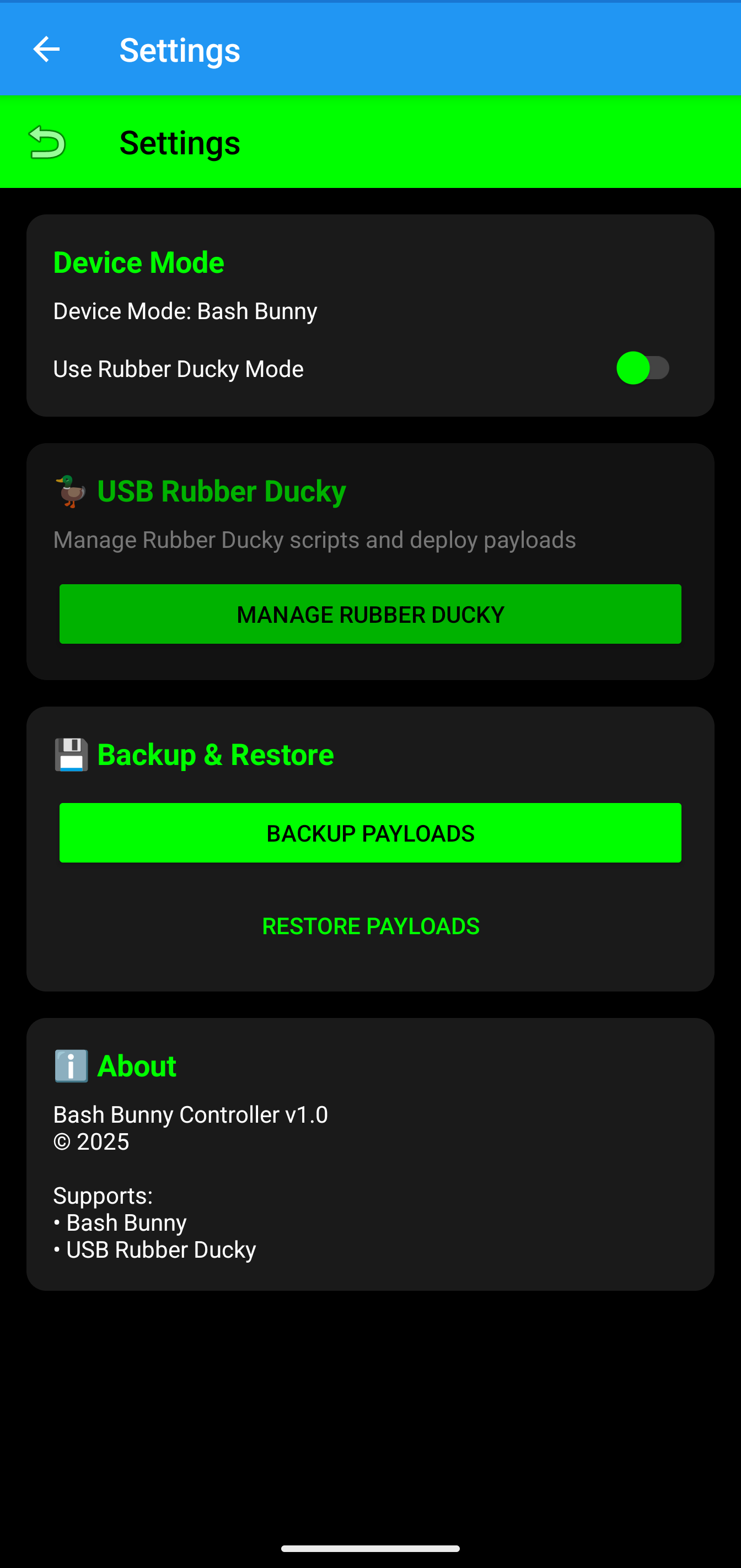
Take your security testing mobile with Bash Bunny Controller, the professional Android companion app for the Hak5 Bash Bunny USB attack platform. This powerful app puts over 30 pre-built attack payloads right in your pocket, along with a full DuckyScript editor for creating custom attacks.
Whether you're a penetration tester, security researcher, or IT professional conducting authorized security assessments, Bash Bunny Controller streamlines your workflow. Browse the comprehensive payload library covering everything from credential harvesting to network reconnaissance, then deploy them to your Bash Bunny device via USB OTG.
Perfect for ethical hackers, red teamers, and security professionals who need quick access to their testing tools in the field. All payloads are for authorized testing only.
✨ Key Features
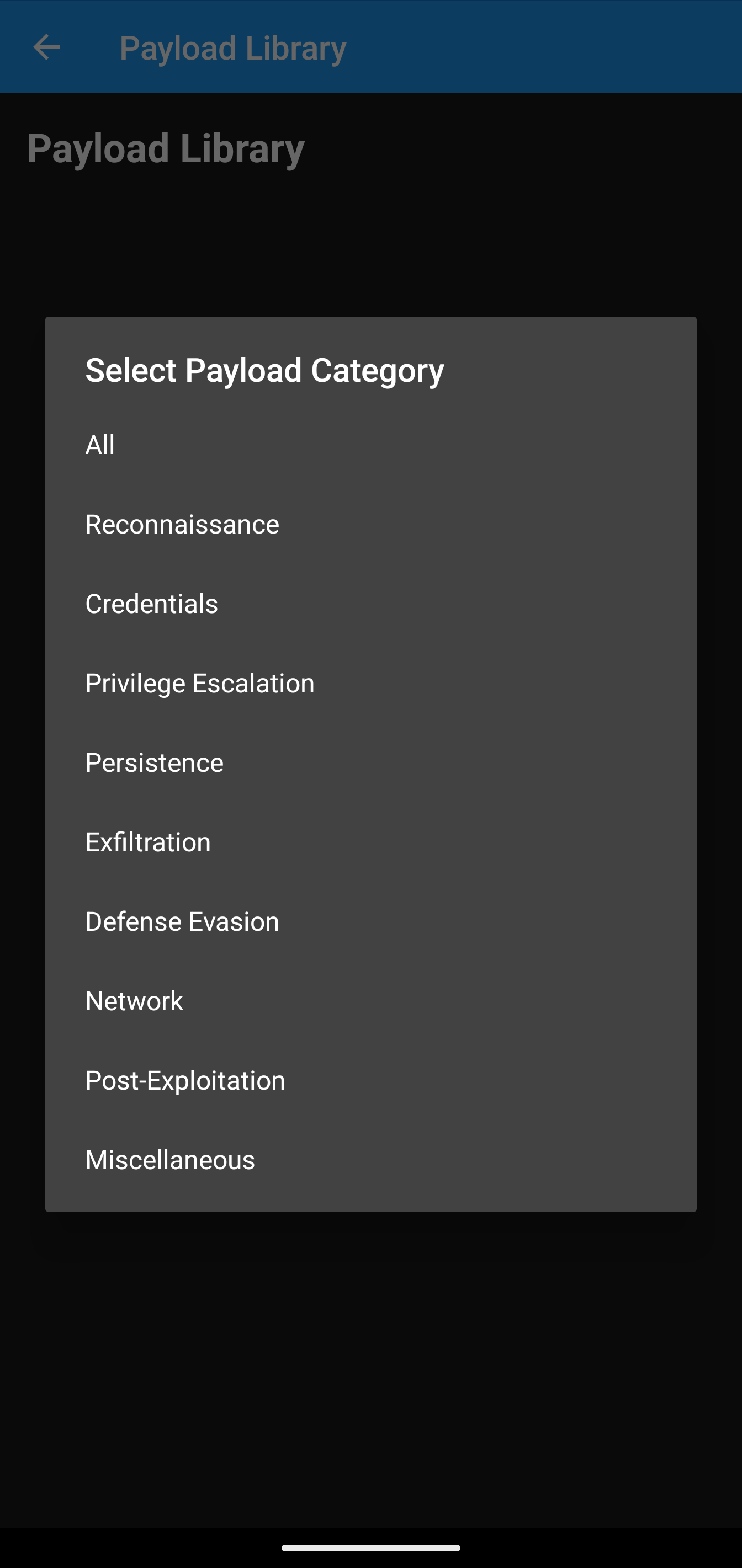
30+ Payload Library
Access a comprehensive collection of pre-built Bash Bunny payloads including credential harvesting, network tools, and system enumeration scripts.
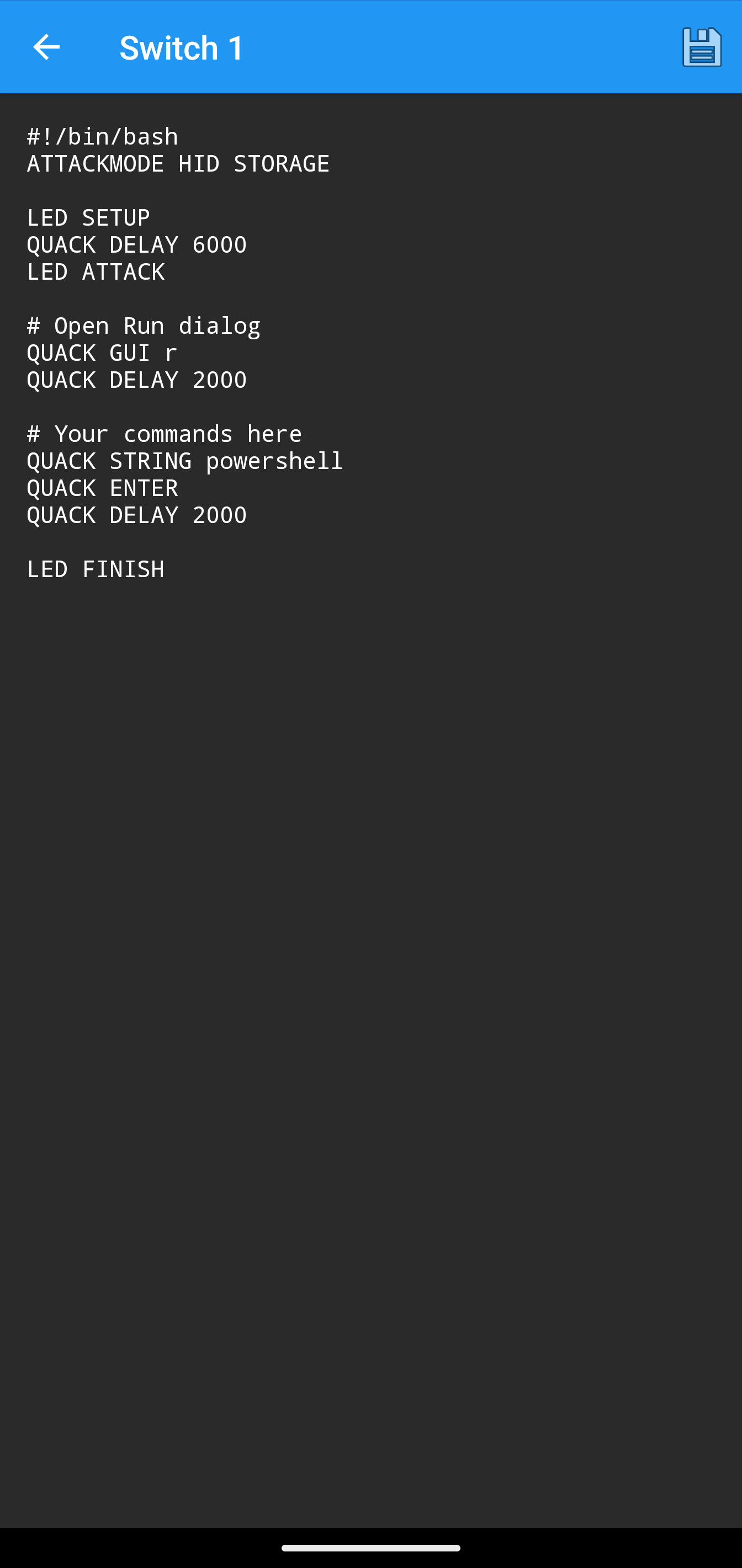
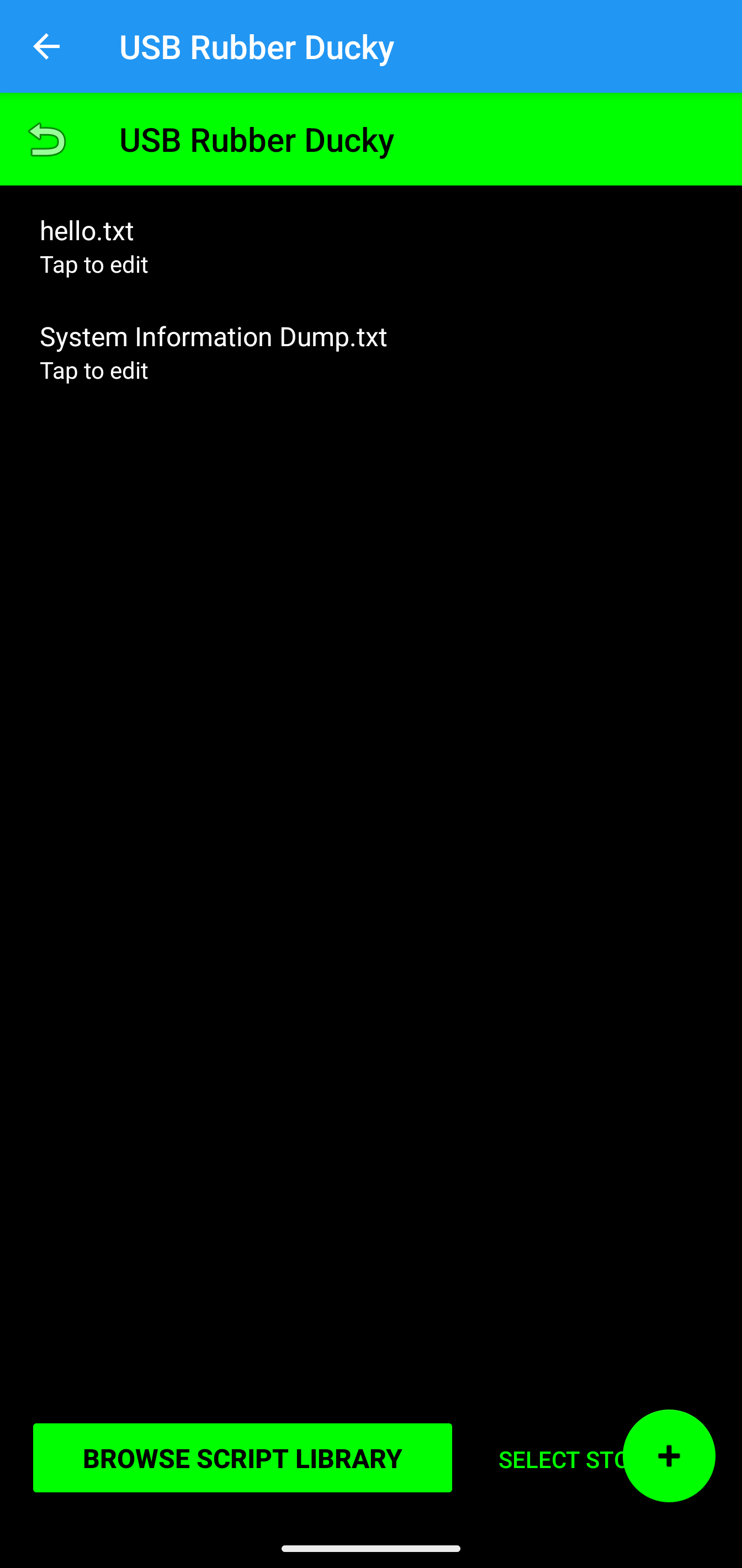
DuckyScript Editor
Built-in code editor with syntax highlighting for creating and modifying DuckyScript payloads directly on your phone.
USB OTG Support
Connect your Android device directly to Bash Bunny via USB OTG cable to deploy payloads and manage device storage.
File Management
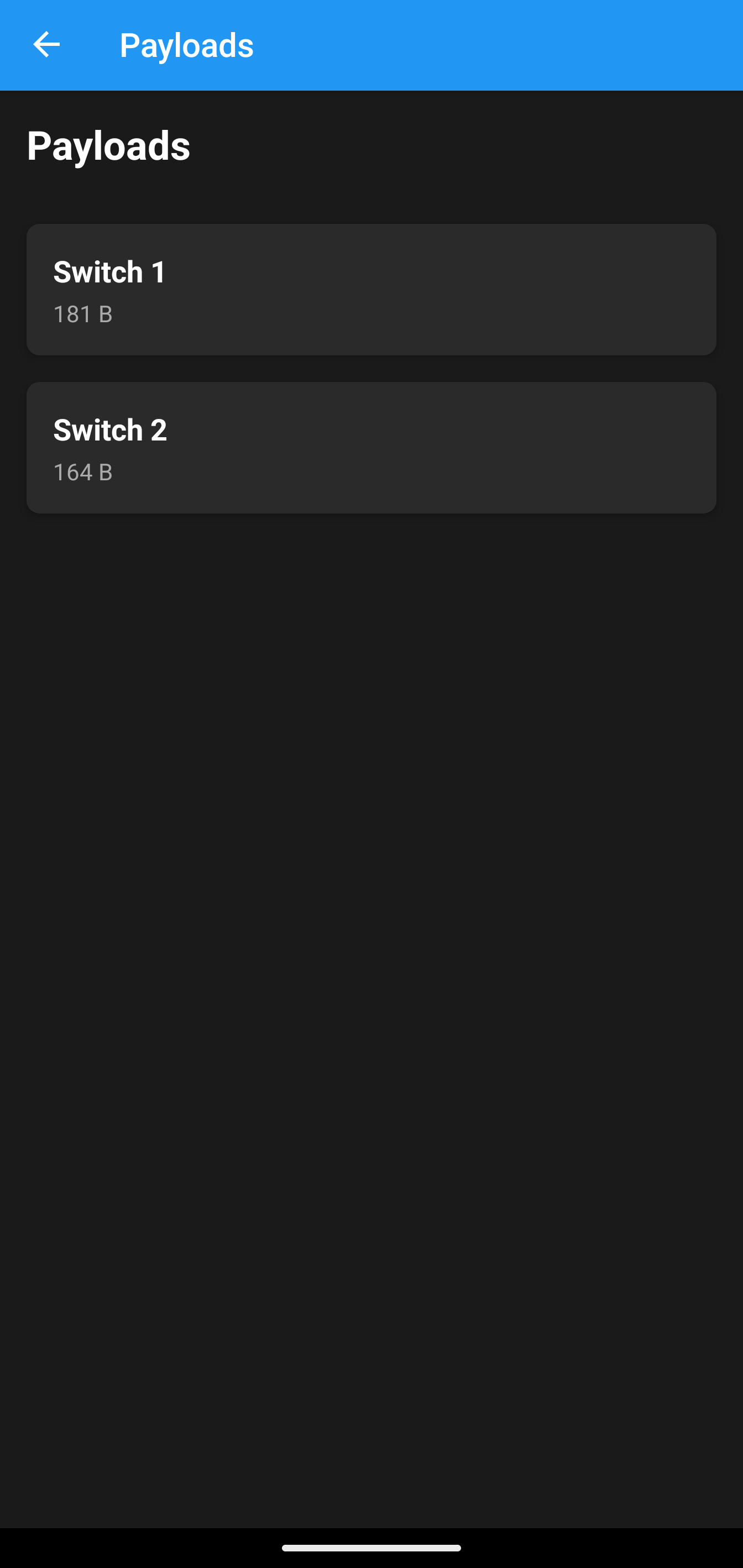
Browse, upload, and manage files on your Bash Bunny device including payloads, loot, and configuration files.
Payload Preview
View detailed descriptions and code for each payload before deployment to understand exactly what it does.
Quick Deploy
One-tap payload deployment to your Bash Bunny device for rapid security testing workflows.
📱 How to Install
- Purchase: Click "Buy Now" above to complete your secure purchase via Stripe
- Download: After payment, you'll receive an instant download link for the APK file
- Enable Installation: Go to Settings → Security → Enable "Install from Unknown Sources"
- Install: Tap the downloaded APK file and follow the on-screen prompts
- Launch: Find Bash Bunny Controller in your app drawer and start using it!
Note: You may see a Google Play Protect warning. This is normal for apps not from the Play Store. Bash Bunny Controller is safe and developed by Forward Forging.